New: Pen testing for your SOC 2, handled today.
Learn More
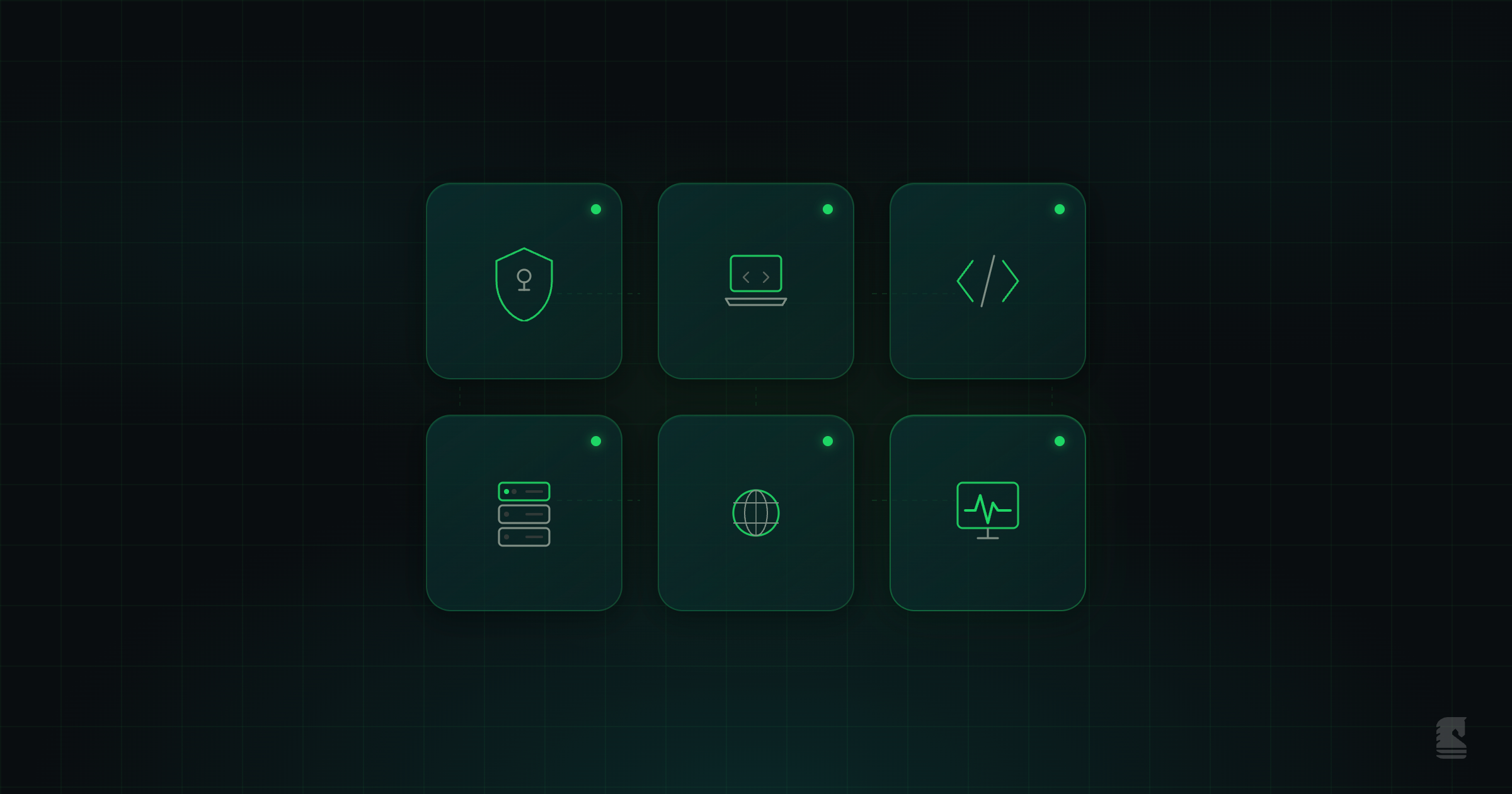
The 6 security domains every startup needs from day one: identity and access, endpoints, application security, infrastructure, network, and continuous monitoring. A practical guide to getting the fundamentals right early.
The moment you have your first customer or your first piece of customer data, security matters. It doesn't require a dedicated security team or a big budget, but it does require intentional setup across six domains: identity and access, endpoint security, application and code security, infrastructure security, network security, and continuous security monitoring.
This guide breaks down what each domain means at the earliest stages.
Most breaches start with a compromised credential, which makes identity the highest-impact area to lock down first. Knowing who has access to what across your organization is the baseline for everything else.
At the earliest stage, identity and access means:
Identity debt compounds. Every month without centralized credentials is another month of access you can't audit. Get this in place early, and it scales into SSO, role-based access controls, and formal access reviews later.
Your team's laptops are the front door to your codebase, cloud accounts, and customer data. An unmanaged endpoint is an unmonitored entry point.
At the earliest stage, endpoint security means:
An unpatched laptop is a direct path to your source code and cloud credentials. You don't need a full EDR (endpoint detection and response) suite on day one, but every device that touches company data should be encrypted, patched, and locked when unattended.
As you grow, this expands into managed EDR, mobile device management, and formal device policies.
Your codebase is where vulnerabilities live closest to your product. This domain covers what you write, what you import, and what you store alongside it.
At the earliest stage, application security means:
Secure coding practices are far easier to establish early than to retrofit. Once secrets are scattered through git history or unmonitored dependencies are in production, cleaning up is painful.
Any infrastructure your application runs on is a security surface. Whether that's AWS, GCP, Azure, DigitalOcean, Vercel, or a mix of providers, misconfigurations in your infrastructure are one of the most common causes of data exposure at startups. The Cloud Security Alliance's Top Threats report ranks misconfiguration as the #1 cloud threat, and startups are disproportionately affected.
At the earliest stage, infrastructure security means:
Cloud security posture management (CSPM) gives you visibility into these misconfigurations across your accounts and providers. It's the difference between hoping your infrastructure is configured correctly and knowing.
As you grow, this expands into infrastructure-as-code policies, multi-account governance, and formal architecture reviews.
Your external attack surface grows with every new service, subdomain, and API endpoint you deploy. Most startups are surprised by how much is publicly reachable when they look for the first time.
At the earliest stage, network security means:
Without visibility into what's exposed, you can't protect it. As you grow, this expands into web application firewalls, DDoS protection, network segmentation, and formal perimeter monitoring.
You can't respond to what you can't see. When something goes wrong, the first question is always "what happened and when." If you don't have logs, you can't answer it.
At the earliest stage, continuous security monitoring means:
You don't need an enterprise SIEM (security information and event management) at this stage. You just need the basics covered: logs exist, critical events trigger alerts, and someone is paying attention.
As you grow, this expands into centralized log aggregation, threat detection, incident response playbooks, and formal SIEM.
Six security domains is a lot to juggle when you're a small team with no dedicated security resources. Between shipping product, closing deals, and keeping the lights on, security can feel like one more thing competing for attention you don't have.
It gets easier if you start with a platform built for this stage. Fencer covers all six security domains from a single platform.
"Fencer is effectively our entire security stack. Vulnerability scanning, code analysis, infrastructure security, and audit readiness all live in one place." — Ari Baranian, CEO & Co-founder, Pirros
The practical difference is whether security stays on your radar or falls off it. When everything lives in one place and shows up where you're already working, it gets looked at. When it's spread across six different tools, it doesn't.
When should a startup start thinking about security?
From day one. The six foundations described here are all easier to establish early than to retrofit later. Identity debt (not knowing who has access to what), code debt (secrets in git history, unmonitored dependencies), and cloud debt (misconfigurations that sit quietly until exploited) all compound over time. The cost of getting the basics right early is a fraction of the cost of cleaning up after an incident.
Should startups use separate security tools for each domain?
You can, but fragmentation is the most common failure mode. Separate tools for dependency scanning, cloud misconfiguration, secrets detection, and infrastructure review means separate dashboards, separate alert formats, and separate prioritization logic. Consolidated platforms that cover multiple domains from a single view reduce the overhead and make it more likely that findings get addressed instead of ignored.
What's the difference between security tools and compliance tools?
Security tools help you find and fix vulnerabilities across domains like code, cloud, and network. Compliance tools (like Vanta or Drata) help you document your security practices and collect evidence for audits like SOC 2. You need security foundations in place before compliance tooling is useful, because compliance documents what you're already doing. The strongest approach is security tooling that generates compliance evidence as a byproduct, so you're not maintaining two separate systems.
Do I need an enterprise SIEM as a startup?
Probably not yet. Enterprise SIEM (security information and event management) platforms are built for large organizations with dedicated security teams, high log volumes, and complex detection rules. For an early-stage startup, that level of cost and complexity is overkill. What you do need is security monitoring that covers the basics: audit logging, alerts on critical events, and visibility across your infrastructure. Lightweight platforms designed for earlier-stage companies can get you up and running in minutes and cover what's relevant to your stage without the overhead of an enterprise deployment.
What are the most important security areas for a startup?
Six security domains matter from day one: identity and access (who has access to what), endpoint security (securing the devices your team uses), application and code security (vulnerabilities in what you write and import), infrastructure security (misconfigurations across your providers), network security (controlling what's exposed to the internet), and continuous security monitoring (visibility into what's happening across your systems). Covering the basics in each domain is more effective than going deep in one and ignoring the rest.